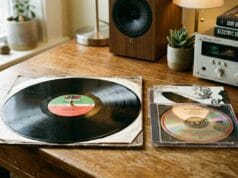
Learning to convert vinyl to digital is, for the most part, the same job as capturing any analogue audio — play it, record it flat, tidy it afterwards. But vinyl has one step you cannot skip and that most first-timers miss, and getting it wrong is why so many home record transfers come out thin, quiet and lifeless. So before anything else, here’s how to digitise vinyl records properly, starting with the step everyone gets wrong.
The step everyone gets wrong: the phono preamp
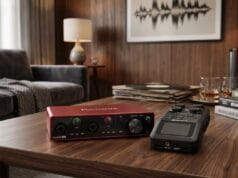
A record isn’t cut flat. To fit loud bass into a groove without it wandering into its neighbour, the bass is reduced and the treble boosted on the way in — the RIAA equalisation curve — and playback is meant to reverse it exactly. That reversal is done by a phono preamp: either a standalone box, the “PHONO” input on an old amplifier, a turntable with a built-in preamp, or a USB turntable that has one inside. The chain is therefore turntable → phono preamp → line input on your sound card or interface.
Plug a bare turntable straight into a line input, skipping the phono stage, and you get exactly that thin, weak, top-heavy sound — the RIAA curve never gets undone. It’s the single most common mistake. A USB turntable bundles the preamp in and is the low-friction route if you just want it done; a separate phono stage into a decent interface is the better-quality one. Either way, feed a line input, never the microphone input, and record in stereo even if the record is mono.
The turntable and stylus matter most
As with tape, the playback gear sets the ceiling on quality, and no software lifts it afterwards. A worn or cheap stylus sounds poor and — worse — physically damages the records as it plays, so a sound cartridge and stylus is the investment that matters. The reason it matters so much: the faults a good deck avoids are the ones software can’t fix. Clicks and pops can be removed afterwards; rumble (low-frequency noise from the turntable’s bearing and motor) and wow and flutter (pitch wavering from an uneven platter) are very hard to take out cleanly, so they have to be kept out at the source.
Clean the record first
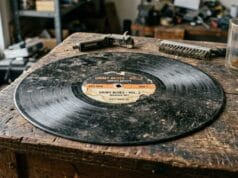
A surprising amount of “vinyl noise” is just dust. A carbon-fibre brush before each side clears the loose stuff; for grimier records a gentle wet clean — distilled water with a drop of detergent, or a dilute isopropyl-alcohol solution — lifts what the brush won’t. Warped records can be tamed a little with a spindle clamp or weight and a heavier mat (mind that a weight isn’t kind to a flimsy turntable). There’s also an old trick of playing the record wet, with an alcohol-and-water film, for near-silent playback; some collectors swear by it, but treat it as advanced and cautious territory — it can leave residue and isn’t something to try on a record you can’t replace.
How to convert vinyl to digital: the capture step
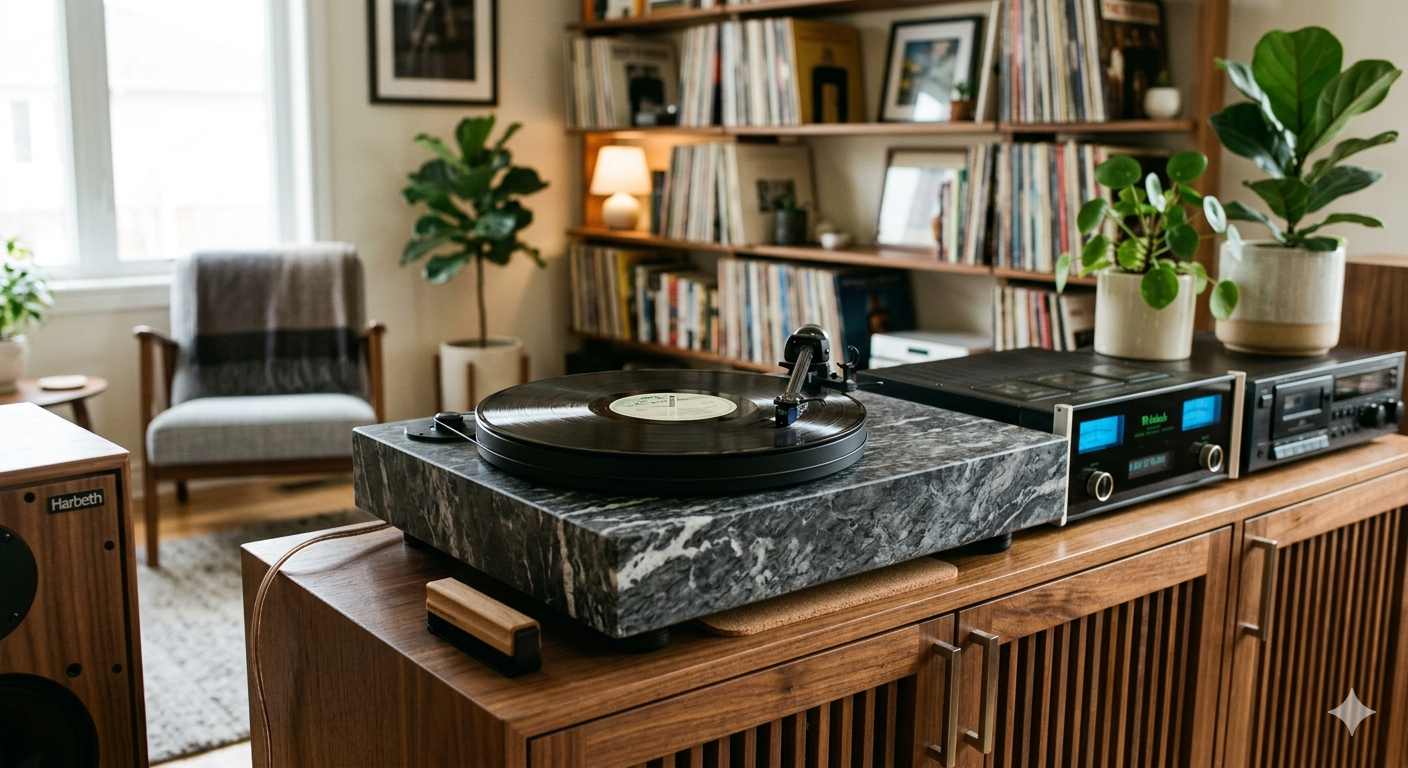
Once the signal is correctly equalised and going into a line input, the recording itself follows the same discipline as any tape capture. Set the level so the peaks stay clear of the digital ceiling — clipping is the one thing you can’t undo — and capture flat and uncompressed, to a 24-bit WAV or FLAC master rather than straight to MP3. Record the whole side in one pass; don’t try to stop between tracks. Audacity (free) does all of this happily, and the heavier tools — GoldWave, Adobe Audition, the dedicated LP Recorder/Ripper family — add convenience like auto level-setting and automatic track detection if you’ve a lot to get through.
Cleaning up the clicks — gently
With the flat master safely captured, the pops and clicks come out on a copy. Audacity has a click-removal filter; GoldWave, Audition and the specialist LP tools do it too, and most will also split the side into named tracks by detecting the gaps. The watchword is restraint: heavy de-clicking and noise reduction leave a dull, watery result that’s worse than a little surface noise. Take out the obvious whoppers, even the level, and stop there. Keep the untouched flat capture as your archival master, and make your listening copies — FLAC for lossless, MP3 for the car — from the cleaned version.
What’s next
Records sit alongside the rest of the analogue-audio work — the audio-tape series covers the shared ground in more depth, and a decent second-hand turntable can be hunted down through the second-hand equipment list. If you are sorting a collection and wondering what any of it is worth, our reference on whether old vinyl records are worth anything separates the genuinely rare from the common. Once your records are captured, keeping the files safe is the job of designing a family archive that survives you.