If you want to convert cassette to digital, this Part I is where to start. Capturing analog audio tapes — cassettes and reel-to-reel — is the gentlest entry point into digital archiving. The storage requirements are modest, the equipment is still findable, and the process is rewarding once you have a working chain. This is Part I of a four-part series on digitising analog audio tapes: it covers the overview and the storage side. Part II is the buying guide, Part III covers preparation, and Part IV walks through connecting everything up.
Foreword
Capturing analog audio has the lucky advantage that it requires a relatively small amount of storage by today’s standards, even if recorded in a high quality format like 24/96 or greater. It is one of the simpler outcomes to achieve and is therefore easily rewarding as a first start into digital archiving.
Storage Requirements
Let’s say you used to play in a band and you have some old audio cassettes of band practices lying around. There are three songs at 3.5 minutes each (total 10.5 minutes) on your old cassette tape.
Capture quality options / consumed space:
- HD Audio — approximately 345 MB at 24-bit / 96 kHz. On today’s hard drives this is miniscule.
- CD Quality — approximately 105 MB. Use this if space is an issue, or if the content doesn’t warrant the extra size. It’s still a high-quality capture, excellent for voice — though if I were capturing music I’d store it in HD Audio.
- Compressed MP3 — if you’re feeling dangerous, capturing to MP3 at its highest quality setting will use about 24 MB for the same content. There’s little point in reducing the bit rate further, given how little space this already takes.
This is easy to calculate using whatever settings you’re interested in with an online calculator such as this one.
What you need to convert cassette to digital
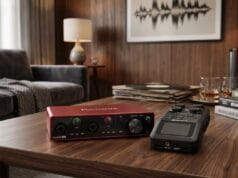
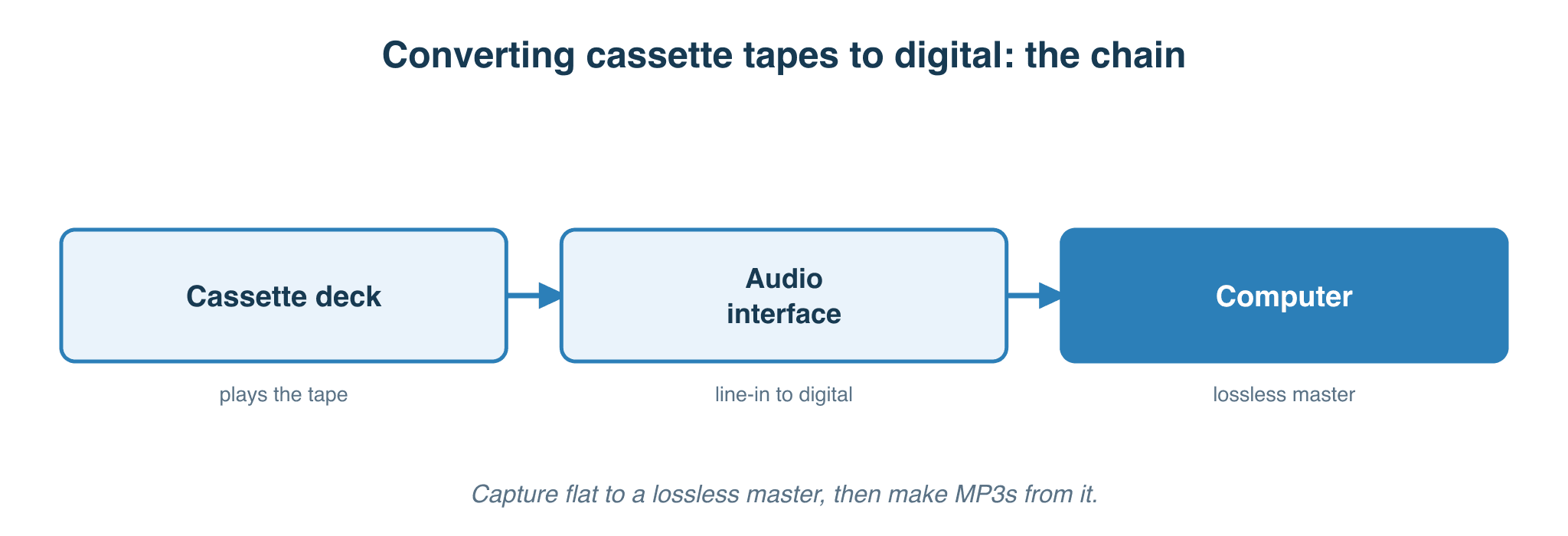
There is more than one way to do this task. As outlined in the audience types section on the about page, this guide is written for three kinds of reader — the Impatient, the Libran, and the Perfectionist. The bare minimum for any of them is a player and a computer (assuming the player has a built-in USB port). To get more quality out of the system, you add an analog capture interface between the two.
- For the Impatient – Cassette player with USB out (or SD-card saving), computer optional
- For the Libran – Rack-mount cassette deck, digital audio interface, computer required
- For the Perfectionist – High-quality second-hand cassette deck, high-quality digital audio interface, computer required
What’s next
Continue to Part II — Buying Guide, which lists specific decks, interfaces and software recommendations across the three audience types.