By now the groundwork is done: in Part III we cleaned the deck and squared up the heads, and in Part IV we wired it into the computer. This part is the bit everyone pictures when they think of digitising tapes — pressing record — and the good news is that recording cassette tapes in Audacity is the easy half, provided you hold to one principle: capture the tape flat and clean, and fix everything else afterwards. The mistakes that can’t be undone all happen at this stage; the things you might want to tidy up can all wait.
Levels: the one thing you must get right live
Almost everything in a digital recording can be adjusted afterwards. The exception is clipping. If the signal coming in is too loud and the level meter slams into the top — 0 dBFS, the digital ceiling — the peaks are simply cut off and gone, and no software brings them back. So the one job you have while the tape rolls is to keep the level comfortably under that ceiling, with a bit of headroom: aim for peaks somewhere around −6 dB and you’ll never clip, and the quiet-versus-loud balance is something you can lift later without penalty.
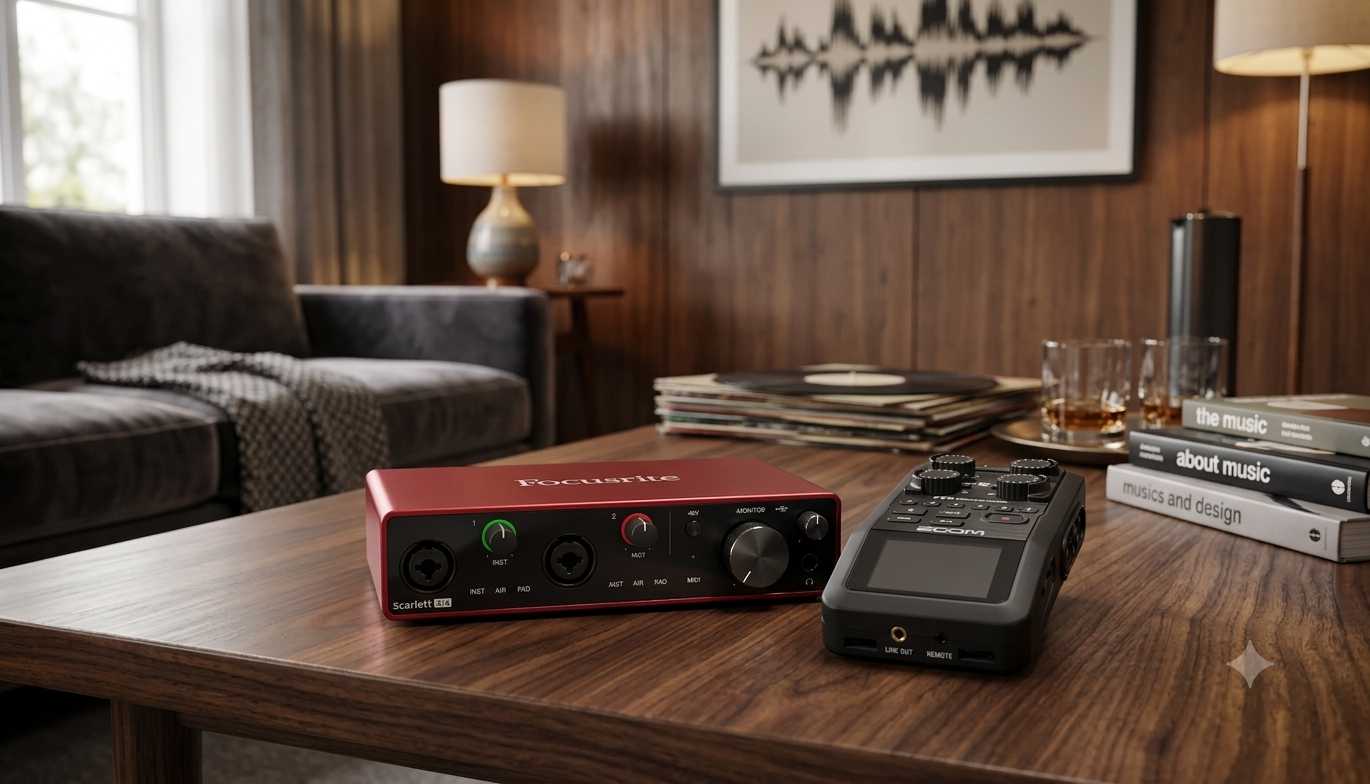
The subtlety that catches people out is where you set that level. Turning down the recording slider in your software often won’t save an overloaded input, because the sound card’s input amplifier sits before that slider — by the time the software sees the signal, the damage is done. So set the level earlier in the chain: on the deck’s or the audio interface’s output, before it reaches the card. And make sure you’re feeding the line input, not the microphone input — the mic input expects a far weaker signal and will distort badly on a line-level source.
Recording cassette tapes in Audacity
Audacity is the tool I’d point anyone to first: it’s free, it runs everywhere, and it captures, edits, filters and exports all in one place. Heavier paid options exist — Adobe Audition, Reaper — and they’re lovely if you grow into restoration work, but nothing about a straightforward tape transfer needs them.
Set Audacity to record from your line input, then capture to an uncompressed format at a good bit depth. The single most useful setting is 24-bit: the extra bits buy you headroom, so a slightly conservative level still has plenty of detail to lift afterwards, and you’re far less likely to clip. For sample rate, 48 kHz is ample — a cassette’s usable frequency range tops out well below what even CD’s 44.1 kHz captures, so 96 kHz is mostly storage for storage’s sake on tape. The thing not to do is record straight to MP3: capture uncompressed, and make compressed copies later if you want them. You can always go from a clean master to an MP3; you can never go back the other way.
Then the simplest advice in this whole guide: press record and let the whole side run. Don’t try to start and stop around individual songs, and don’t sit over it. Record everything — the gaps, the false starts, the lot — and trim it down afterwards. Catching edits live is how you lose the start of a track you’ll wish you had.
Capture flat — save the cleanup for later
It’s tempting to switch on noise reduction or nudge the tone while you record, to make it sound better as it goes in. Resist it. The master you’re making should be a flat, untouched record of what’s on the tape — hiss and all. Every clean-up tool works just as well, and far more reversibly, on the captured file afterwards; baking it in during capture means you can never undo a heavy-handed filter or a wrong call. Capture flat now; tidy later, on a copy.
The Dolby question
One genuine complication with cassettes is Dolby noise reduction. If a tape was recorded with Dolby B or C, the sound was deliberately altered when it was recorded and is meant to be un-altered on playback by a matching Dolby decoder. Play a Dolby-encoded tape back without decoding it and it sounds too bright and harsh; decode a tape that wasn’t encoded and it sounds dull. The trouble is that, years on, you often have no idea which tapes used what.
There are two schools of thought, and the corpus reflects both. If you know a tape’s Dolby setting and you have a deck with matching Dolby decoding that’s properly calibrated, decoding on playback is the clean way to do it. But where you’re unsure — or where the priority is getting fragile tapes captured before they degrade further — the pragmatic call is to record flat, with the deck’s noise reduction switched off, and decide on decoding later in software, which can reproduce the Dolby curves and lets you compare. I lean towards the second for a mixed, unlabelled box: capture everything flat now, keep the option open, and sort the Dolby question per-tape afterwards rather than guessing under time pressure.
Splitting a side into tracks
Once the side is captured as one long file, you split it into individual tracks. Audacity (and dedicated tools like the old LP Recorder/Ripper family) can detect the silent gaps between songs and cut on them automatically, or you can place the splits by hand where the auto-detection gets confused by quiet passages or live segues. Name the files as you export them — a little tedium here saves a lot of “track 07 unknown” later. For reel-to-reel, the same approach covers the tape breaks and speed changes the format is prone to: capture the lot, then cut out the bad joins and re-start points afterwards.
After the capture: your master and your copies
What you keep is the flat, uncompressed capture — that’s your archival master, ideally saved as WAV or FLAC (FLAC is lossless, so it’s the same audio in a smaller file). Everything else is a copy made from it. On a copy, this is where the gentle restoration lives: Audacity’s noise reduction to take the edge off the hiss, de-click for any pops, a light normalise to even the level. Go easy — over-aggressive noise reduction leaves a watery, underwater sound that’s worse than the hiss it removed. From the cleaned copy, export what you’ll actually use: FLAC for a lossless listening copy, MP3 for the car or the phone.
Roughly by reader type: the Impatient can set a safe level, record, split, and export MP3s and be done in an afternoon; the Libran keeps a 24-bit WAV or FLAC master and makes a cleaned FLAC for listening; the Perfectionist decodes Dolby properly on a calibrated deck, keeps a flat master, and restores tape by tape. The one rule that holds for all three: the capture itself is the part you can’t redo. A bad level or a drifting head (the azimuth we set in Part III) limits everything downstream — garbage in, garbage out — so it’s worth getting that right before you worry about filters.
What’s next
That completes the audio-tape series: overview and storage, the buying guide, preparation, connecting your equipment, and now the recording itself. With files on the disk, the job shifts from making them to keeping them — which is what designing a family archive that survives you is for.