Choosing the right cassette to digital converter is the question this part answers. The good news is, unless you’re capturing something unusual, finding the right equipment is straightforward. Even reel-to-reel players are still readily available second-hand for a reasonable price.
Continuing on from Part I of this article, we’ll break this down into three use cases — for the Impatient, the Libran and the Perfectionist.
The Impatient option — the cheapest cassette to digital converter
USB Cassette Deck — The quickest way to get the job done, if you’re not too concerned about quality, is to use a deck with a built-in USB port. Plug it directly into a computer, or get one that saves to an SD card or USB stick with no computer needed at all. This significantly reduces complication, time and cost. These units use cheap playback heads and produce limited-quality, often-compressed output. For tapes you value, this isn’t the right route — but for some uses it may be all you need.
Buying options to get you started:
- USB Walkman — saves to computer
- USB Walkman — saves to USB stick (no computer required)
- USB Walkman — saves to micro SD card or computer
- Pyle Cassette Deck — saves to MP3 via computer
The Libran Option
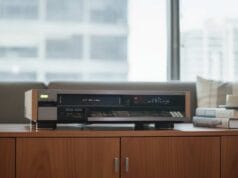
Cassette Player — For someone looking for the sweet spot of price versus quality, the first component I’d recommend is a second-hand, good-quality rack-style tape deck. You won’t produce better sound than the first item in the chain — your tape deck. No cable, interface or software will improve on its quality. Everything downstream of it only degrades the sound, so the deck has to be the first priority.
You can of course try your luck with new equipment that’s still being made, like the Marantz Professional PMD-300CP, the Tascam 202MKVII or the Onkyo TA-RW311. Generally, modern decks don’t output the quality the late-80s / early-90s gear did when cassettes were at their peak. You’ll often get a better all-round deal second-hand — though most people will be happy with either, and your budget will likely decide.
Buying recommendations to get you started:
- Pioneer CT-F1000
- Akai GX
- DENON DRM-740
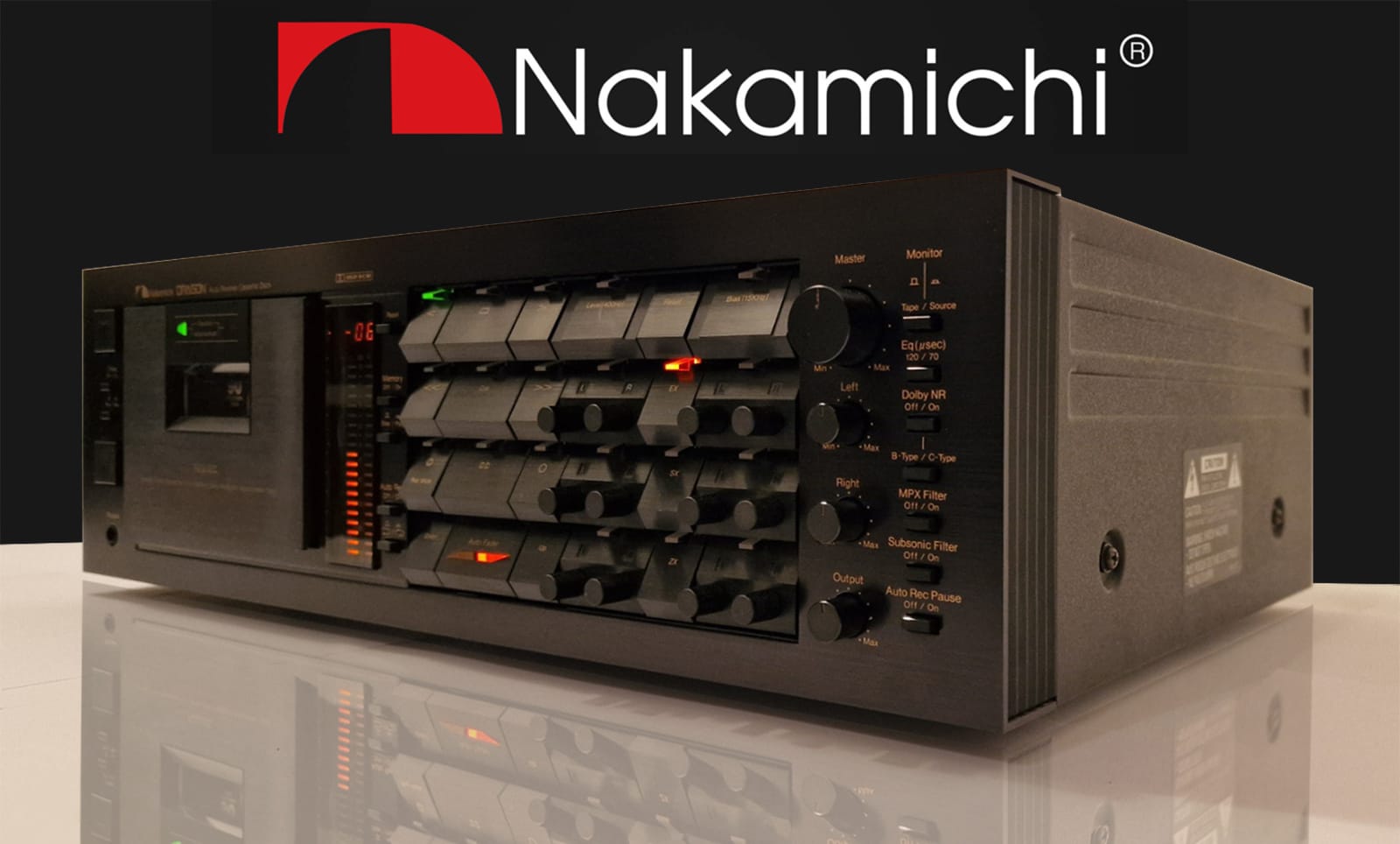
- Nakamichi if you can find one at the right price (usually expensive)
- Many others
The good news is there’s been renewed interest in analogue cassette decks, so you can still buy new. Have a look at audiophiles.co/tape-deck for some suggestions on new equipment. To find a good-quality deck in your area, look up the recommendations on enthusiast sites and compare them against what’s available locally on eBay (US), Mercado Libre (Colombia), Gumtree (Australia) or Trade Me (New Zealand).
Analog Capture Interface — A proper analog capture interface is the second main recommended component. It’s a significant step up from the built-in USB interfaces in the impatient section above: independent gain controls, level metering, balanced inputs and outputs, and proper high-resolution audio capture. Readily available at any music store, with plenty of options to choose from.
Buying options to get you started:
- Focusrite 4i4 — Desktop audio interface, portable, mid-range, great-quality DACs, local gain controls with hardware metering. My pick for mid-range quality when importing audio from tape-based devices.
- Behringer UMC 202-HD — If the Focusrite seems a bit expensive, try the Behringer UMC 202-HD. Also equipped with excellent pre-amps and DAC, at less than half the Focusrite’s price — this could well be the pick of the bunch.
- MACKIE PROFX6 V3 — Desktop mixer, takes more space on your desk than the Focusrite and Behringer above, probably slightly lower-quality DACs than the Focusrite, but can double as an analogue mixer for adjusting audio levels when capturing VHS or other analog video, and gives you a greater degree of control over input and output levels. The pick if you want the all-rounder with proper manual hardware controls. This is an entry-level mixer — there are higher-quality mixers if you want to spend more. If you are going to digitise VHS or other analog video sources, I do strongly suggest something like this that has both balanced and unbalanced audio in and out, in addition to a digital connection to your computer, to keep your options open. You may find for example that your Time Base Corrector (TBC) takes balanced audio inputs (such as the BrightEye 75) — a situation where the Focusrite doesn’t perform so well as it doesn’t have balanced outputs.
Computer — Almost any modern computer will do for this work. Even old machines with mechanical hard drives and CRT screens were capable of recording more than two channels of audio in real time. That said, you’ll want something at least relatively modern so you can run an up-to-date operating system with current audio capture software — older machines may struggle for drivers and software (open-source tools being a notable exception). Windows, Mac or Linux all handle this task fine. An SSD of any sort will make life easier.
Capture Software — Without a doubt, the easiest software to obtain and use is Audacity. It’s open-source, so there’s no purchase price, and it can save your audio anywhere from low-quality MP3 up to full studio-quality formats in open containers, on Windows, Mac or Linux. Plenty of other options exist, including whatever ships with your particular capture device. Most audio capture software will work fine.
Cables — There’s been a lot of debate on this over the years and you’ll know where you sit. My view is there’s some science behind not using cheap, thin cables, but the audible difference between an average set and an expensive set is arguable — and studios don’t spend that kind of money on their cables either, which is rather telling. For most people, an average set will do. If you disagree, you’re welcome to spend more. Depending on what you’re connecting to, these may be RCA, DIN, XLR or jack cables, or a mixture. In the example in Part IV I’ll list what’s used in my own setup.
The Perfectionist Option
If you just want the best of everything no matter the cost, my recommendation is as follows:
Cassette Player — The Nakamichi Dragon is widely regarded as the best tape deck ever made. The Nakamichi CR-7, ZX-9, or 682ZX are also excellent.
Analog Capture Interface — The Focusrite Clarett+ 2Pre builds on the Scarlett with premium, higher-quality sound tailored to professional audio engineers, in a desktop form factor.
If you’d rather have the flexibility a mixer brings, the MACKIE ONYX8 is a premium option with USB output.
Computer — On top of the SSD recommendation above, an NVMe SSD will give the best performance, with built-in Thunderbolt for the widest range of compatibility. For the CPU, I’d currently recommend AMD over Intel — Intel’s recent issues with degrading chips and various anticompetitive behaviour make AMD the safer choice today. It’s a shame there isn’t stronger competition for AMD, but that’s where things sit at the moment.
Capture Software — This is actually quite difficult. Audacity works well despite its dated interface, and the industry-standard tools like Avid’s Pro Tools are overkill for this task and have moved to subscription-only pricing. I won’t recommend a subscription for this kind of work, so we’re left in a bit of a mixed bag. Reaper gets an honourable mention at $60, but it’s a full Digital Audio Workstation — more complicated than we need. Sound Forge Audio Studio is closer to the mark at $60 for a clean, simple interface, but isn’t particularly pro. I might nearly recommend DaVinci Resolve if it didn’t require its own capture hardware, but again it’s completely overkill. If anyone knows of paid premium audio capture software that’s simple and easy to use and not overkill, please get in touch.
Cables — For this tier the choice is obvious — something like the QED Performance Audio cables. Of course you can spend more if you like — the Esprit Audio cables at $6,000 USD are out there, and I’m sure you’ll find even more expensive ones if you want to.
What’s next
In Part III we’ll cover preparing your deck and tapes for the best possible capture quality — head cleaning, demagnetising, dealing with mould, and the wider clean-up workflow.