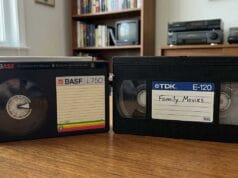
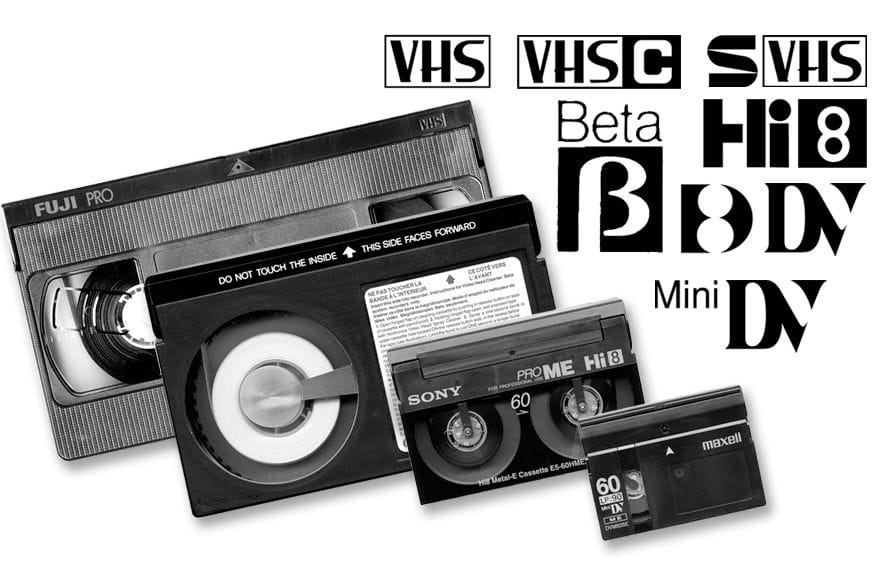
This guide is where to start if you want to convert VHS to digital. Capturing analog video tapes — VHS, S-VHS, and the rest — sits at an awkward intersection. The tapes themselves are still everywhere; the equipment to play them back well isn’t, and what does exist is second-hand, ageing, and finite. Doing the digitisation well, to a standard that holds up in ten years, takes more thought than plugging a tape player into a cheap USB dongle and pressing record.
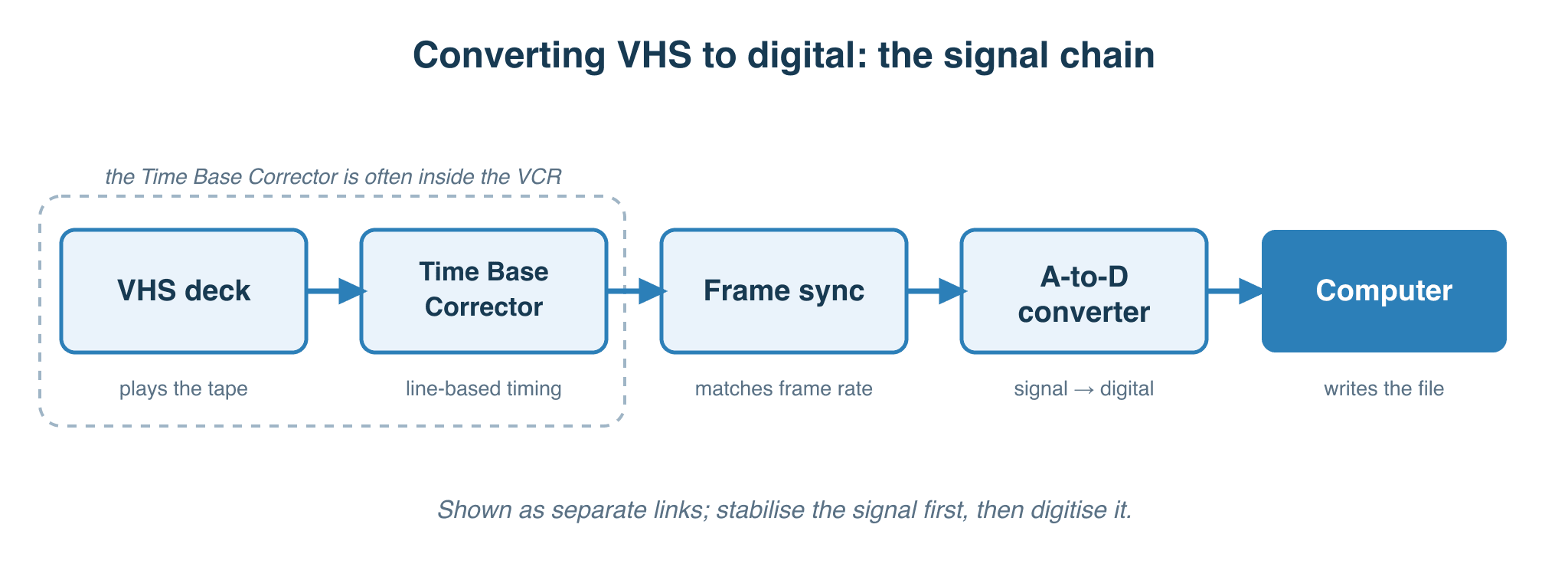
This is Part I of a four-part series on digitising analog video tapes. This page covers the overview and the storage side: how big the resulting files end up for each codec choice, what “lossless” actually means in this context, and a top-level map of the ten or so capture paths people actually use. Part II compares those paths in detail. Part III is the buying guide. Part IV covers preparation before the tape goes into the deck.
Foreword
Capturing analog video requires anything from a relatively large amount of storage to a very large amount of storage. It’s generally far more complicated than capturing audio because the technology is older and the buying options of acceptable quality are limited and shrinking. When you get it right, though, it can be rewarding — and you may find yourself looking for more tapes to capture just for the satisfaction of it.
Storage Requirements
Let’s say you have a VHS tape with one hour of home video recorded on it. The size you need to store that in digital form depends on a few things. The resolution and the frame rate matter most, but helpfully these fall into one of two standards for this kind of source, which for archiving I’ll simplify as PAL 576i25 and NTSC 480i29.97 (the “i” meaning interlaced, so you’ll also see 50i and 59.94i, which count the fields a TV actually displays).
Bear in mind that lossy video codecs store data based on what’s actually moving in the frame, so the content of the tape makes a big difference to the final size. A scene with people sitting still in a room compresses far smaller than a panning shot or a crowd in motion. For that reason the file-size figures below are rough examples; your tapes will vary, even with the fixed-bitrate and lossless formats.
Where you land on the scale from lossy to lossless is the single biggest storage decision, and the recognised preservation guidance is consistent about it. FADGI in the United States and IASA’s TC-06 internationally both advise keeping the master copy uncompressed, or losslessly compressed, and treating lossy formats as delivery copies only. The table runs from lossy at the top to uncompressed at the bottom.
Capture quality options and the space used for one hour of video, for 576i25 PAL and 480i29.97 NTSC:
| Codec | Type | Bit depth & chroma | GB / hour | Bitrate | Notes |
|---|---|---|---|---|---|
| AVC / H.264 | Lossy compressed | 8-bit, 4:2:0 | ~4–9 | ~8–20 Mb/s | Smallest files; a delivery and sharing format, not a master |
| DV25 (FireWire) | Lossy compressed | 8-bit, 4:1:1 NTSC / 4:2:0 PAL | ~13 (fixed) | ~25 Mb/s video (~29 with audio) | Constant bitrate; common in older FireWire capture chains |
| ProRes 422 HQ | Visually lossless | 10-bit, 4:2:2 | ~25–28 | ~55–60 Mb/s | Visually transparent, but not mathematically lossless |
| DVCPro50 | Visually lossless | 8-bit, 4:2:2 | ~22.5 | 50 Mb/s (fixed) | Broadcast format; less common in archive use |
| FFV1 | Lossless (compressed) | 10-bit, 4:2:2 | ~30–47 | ~65–105 Mb/s | Current archive standard for most libraries |
| HuffYUV | Lossless (compressed) | 8-bit, 4:2:2 | ~36–55 | ~80–125 Mb/s | Older lossless option; upsamples to 4:2:2 and compresses less than FFV1, which is now preferred |
| Uncompressed (V210) | Lossless (raw) | 10-bit, 4:2:2 | ~93 | 207 Mb/s (fixed) | Used by some broadcasters for archive ingest, e.g. the BBC |
If you’re wondering which standard is “better”, it isn’t a clean win either way. PAL carries more lines (576 against 480), and its phase-alternating colour encoding averages out the hue errors NTSC is notorious for, so it’s more forgiving when the signal misbehaves. NTSC, in return, runs at the higher frame rate. For VHS specifically the argument is mostly academic: the format records colour “under” at roughly 627 kHz whatever the broadcast system, so the difference in broadcast subcarrier doesn’t translate into more colour detail on the tape. Capture at the tape’s native standard either way.
Required video space, based on the format you want to store it in, is easy to calculate using an online calculator such as this one.
How to convert VHS to digital
As usual, there’s more than one way to do the job. As outlined in the audience types section on the about page, this guide is written for three kinds of reader — the Impatient, the Libran, and the Perfectionist — with different priorities and budgets. Before the recommendation for each, here’s the wider landscape: there are more than three options; the three I cover are simply the ones I’d actually pick out of the larger set.
Possible solutions for capturing video
You’ll find a lot of opinions about this online, and video capture tends to attract all-or-nothing views that aren’t always pleasant to engage with. They often forget that not everyone has the same requirements, not everyone needs the best quality, and not everyone who wants the best can afford it or even find the equipment.
There are people who’ll be happy with a basic Canopus FireWire capture device, and people who’ll only settle for the absolute best. Both are fine. That said, in my experience most people who see side-by-side evidence of the cheaper devices’ flaws eventually move past the cheapest tier. (“Cheap” here means around $80–150 NZD, so already not that cheap.)
The list below outlines some of the many possible ways to archive analog video from sources like VHS. It’s meant to open your eyes to a few more options worth considering, not to complicate your life.
| # | Player | Capture chain | Notes |
|---|---|---|---|
| 1 | VHS | Built-in DVD recorder | Combo unit |
| 2 | VHS | USB capture device → bundled software | Pinnacle, Hauppauge, Elgato, EZCap |
| 3 | VHS | Canopus ADVC-110 (FireWire) → third-party software | |
| 4 | S-VHS | FireWire device → third-party software | |
| 5 | S-VHS | PCI* / PCIe card → third-party software | * see PCI vs PCIe note below |
| 6 | S-VHS | Frame sync + audio mixer → analog-to-SDI → SDI-to-Thunderbolt/USB → capture software | |
| 7 | S-VHS | Proxy TBC / frame sync device → capture card → third-party software | |
| 8 | Any variation of the above with different brands or substitutes | ||
| 9 | VHS (modified) | Direct-to-head RF tap → RF PCIe card or capture device → vhs-decode (software TBC, frame sync, processing) | Requires hardware modification |
| 10 | External conversion house — $$$$ | ||
* Be aware of the difference between PCI and PCIe — they’re not compatible with each other. Some sites that recommend PCI capture devices mean PCI rather than PCIe, and modern motherboards largely gave up PCI slots around 2015. Be careful that what you buy is compatible with what you have.
The options are many, but with the exception of options 1, 2, 6, 9 and 10, they all require hard-to-obtain and potentially expensive second-hand capture equipment. Unless you’re outsourcing the whole job (option 10), every option requires a VHS player. That’s almost always going to be a second-hand unit too, unless you have the kind of money to spring for a premium unopened NOS (New Old Stock) box somewhere — more on that in the buying guide.
A quick word on option 10. About 90% of the places you’ll find on your local high street are using either option 1 or option 2. If you want to outsource the job, read Part II first, then go and ask the shop what their process is and what devices they use. If they know what a TBC is, what a hardware tap is, or what a frame sync device does (and claim to actually use them), you might get a good result. If not, you’re better off saving your money and buying the cheap device yourself — that’s almost certainly what they’re doing, and your own capture won’t be any worse.
Summary Equipment Needed
| Audience | Equipment | Notes |
|---|---|---|
| Impatient | VHS player; Canopus ADVC 100 or 110 (if you can find one); FireWire card or adapter (still available new for Mac and PC); third-party video capture software | Alternative: option 1, a VHS+DVD combo unit |
| Libran | S-VHS player with built-in TBC; Ensemble Designs Brighteye 75; Blackmagic SDI-to-Thunderbolt adapter; Blackmagic Media Express capture software | If too expensive: see Perfectionist (cheaper but harder) |
| Perfectionist | Modified VHS or S-VHS player; RF capture card; vhs-decode software stack | — |
The next page helps you work out which of these methods is for you and why, followed by the buying guide in Part III.
What’s next
Continue to Part II — Capture differences, which compares the ten capture paths side by side and works out which one fits each of the three audience types.