Choosing the best VHS to digital converter is the next step. OK, so in Part II we covered a high-level overview of the kinds of equipment you can use for capturing video into a digital format. You’re probably starting to realise that you either spend a lot of money, spend a lot of time, or accept some quality loss.
Continuing on from Part II, this article breaks the choices down into three use cases — for the Impatient, the Libran and the Perfectionist.
The Impatient option — the best VHS to digital converter on a budget
Equipment Needed
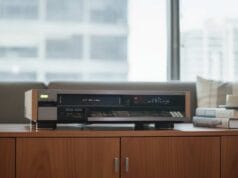
VHS+DVD combo deck: If you don’t care about quality too much, the easiest path is a combo VHS deck that records straight to DVD. You’ll need to rip the DVD to a file afterwards (or ask a friend who knows how to), but it’s an adequate method and does not usually suffer from the geometric output issues common to other cheap capture methods. Unless your model has a built-in save-to-USB option, you’ll also need some appropriate blank DVDs. DVD+R or DVD+RW discs are preferred — they have a better error correction mechanism than DVD-R. The downside is that long-play VHS tapes may not fit on a standard 4.7 GB DVD; for tapes over two hours long, try to get a dual-layer disc. Also bear in mind that DVDs have a limited lifespan — shorter than VHS, in fact — so make sure you make copies onto something else as well.
As you will definitely need a second-hand VHS player, see our global list of online second-hand stores for some options in your country. Note for PAL countries, the Netherlands tends to have more S-VHS players than some of our smaller countries.
There’s also vcrshop — that’s where I purchased mine. These units are supposedly refurbished, though my initial experience wasn’t great. The positive: every issue I had, they shipped a replacement part for. So on one hand I’m not convinced these were properly refurbished (or that their testing was up to par for my unit); on the other, they clearly care about their brand and sorted the issues out. For me that meant a new pinch roller (the old one was split) and a new remote (the one it came with didn’t work). It did triple the already long delivery time, though. For a standard VHS player, I wouldn’t bother with vcrshop — I’d just get one from a local seller and clean the heads.
Capture Hardware
Buying options to get you started:
- Combo VHS Player
- Blank DVD+R / DVD+RW
- MakeMKV software (free) to convert DVD into MKV file with a PC
The Libran Option
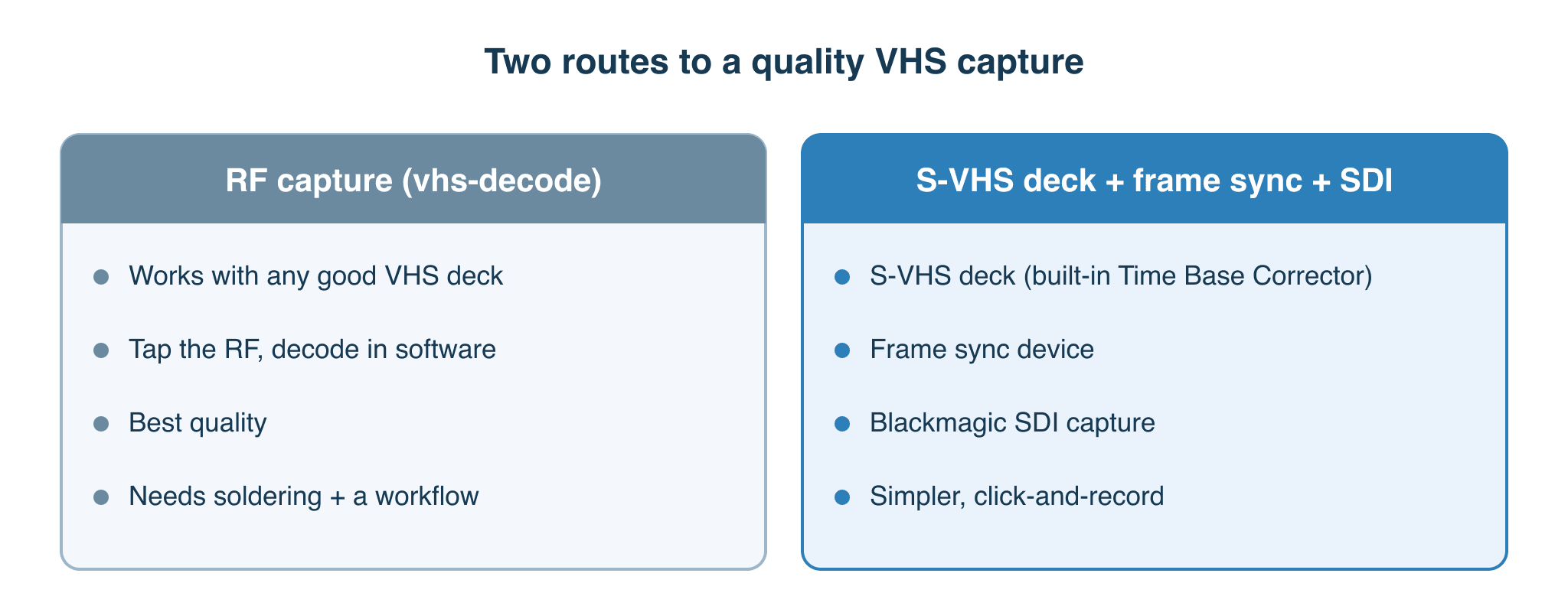
If you’re trying to find a balanced sweet spot between price and quality, you’re probably going to be disappointed. I find myself needing to recommend three options — both for the Libran and for the Perfectionist — that overlap for different reasons. See below.
Option 1: If you’re an electronics engineer, or capable of wielding a basic soldering iron and have the time to solder the required components yourself, then the obvious choice is the FM RF Archival workflow. One of the nice aspects of RF capture is that when you decode those captures with vhs-decode, you don’t need to purchase an expensive S-VHS player. All the time-base correction, frame sync, proc amp, and comb-filtering circuitry is made redundant — and replicated to a much higher degree of accuracy in software.
Because you’re tapping straight into the RF stream from the heads (Video RF and HiFi RF are separate!), you can use virtually any good working standard VHS player and achieve the same kind of quality you’d get from an S-VHS player — with added perks like S-VHS and NTSC 3.58 capture/output from any later 90s PAL deck. Once operational, you only need one cable to connect it, which limits signal loss. So this is my first recommendation. It is, however, the most complicated solution — not only in the soldering, but in learning a workflow that takes more than just click-record-get-video-file. It requires processing time. But these aspects also make it easy to recommend for the Perfectionist, given the right skills or time to learn new ones.
Option 2: If you’re not capable with a soldering iron, other options are hard to recommend for the Libran. The closest thing I’d suggest is a Canopus ADVC capture box along with a FireWire adapter and appropriate capture software. There are many who would scoff at this, but it’ll give you a semi-reasonable result — if you can find a Canopus, that is. Note that these devices use 4:1:1 chroma subsampling on NTSC and 4:2:0 on PAL; see our article on chroma subsampling.
Option 3: If you must buy new, the only available new equipment I’m aware of is the Ensemble Designs BrightEye 75. It has both an external frame sync and some form of line-based TBC, which helps if you don’t have one built into the player. It also has a built-in SDI output, which avoids purchasing an additional box that you’d otherwise need with one of the harder-to-obtain units like the BigVoodoo TBC 10. This remains a very viable solution if you can afford it, and as a bonus the workflow works on Mac, Windows, and Linux — something I spent a long time working out. If you do have one of the rarer units (I also have a BigVoodoo TBC 10), you can simply add an analog-to-SDI device into the mix and you’re away.
Buying recommendations to get you started:
Option 1 — Recommended if time and effort are no object
- Good quality VHS Player (see our guide on which VCR to use for vhs-decode, plus the community ‘Tap List’, for ideas — Panasonic is typically a good buy, but any 1990s to 2000s HiFi-grade deck will work well enough for most tapes)
- RF Capture device such as the CX Card Clockgen Mod or MISRC or whatever the vhs-decode community currently recommends (see our capture hardware guide).
- Computer running Windows 10, Linux Mint (Windows/Linux have better hardware support, but the M chip Apple products should not be ignored as they have some of the best decoding/processing speeds)
Option 2: Not Recommended
- S-VHS Player
- Canopus ADVC 100/110
- Capture Software
Option 3 — Recommended if money is no object
- S-VHS Player
- Ensemble Designs BrightEye 75
- Blackmagic SDI to Thunderbolt adapter
- Vrecord (or Blackmagic Media Express as a fallback)
- Thunderbolt Card if using Windows or Linux
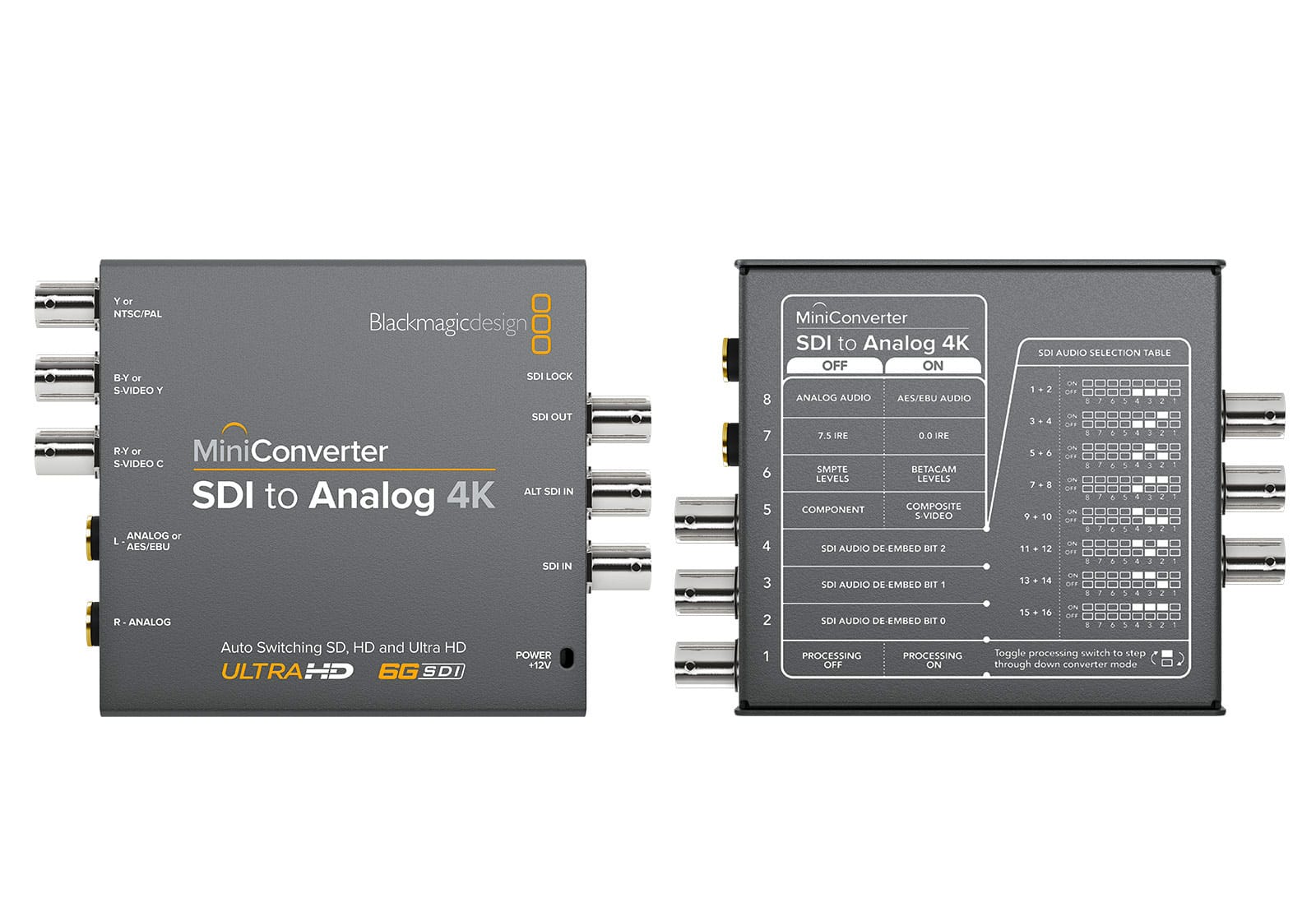
- Optional: Blackmagic Mini Converter Analog to SDI (If you are using an analog Frame Sync device such as the BigVoodoo TBC 10
Computer: Most computers will capture video well in any of these scenarios. A computer with an SSD and more memory is better. I’m aware there are people online who will tell you you must use Windows XP (or Windows 10 if you’re lucky) because of the drivers required for the capture hardware they’re recommending. I’ve taken a different view: find solutions that work on modern computers, without requiring old outdated hardware that then requires old outdated software and drivers, making our lives difficult. For each of these guides we specify whether you can use Windows, Mac, or Linux.
The perfectionist option
Option 1: Without a doubt, if you’re a perfectionist, you’ll want to spend the time on FM RF Archival and subsequently vhs-decode, as per Option 1 in the Libran section. It’ll give you the best quality output because there’s less signal loss — fewer components in the chain. It’s time-consuming, more complicated, and requires the most disk space, but it’s well worth it.
Option 2: Nearly as good is to buy a good-quality S-VHS player with a built-in TBC, plus either a BrightEye 75 frame sync or a good-quality old-school frame sync acquired online. Pipe that through to a modern capture device — the Blackmagic devices are excellent here — and you’re golden. There are those who say Blackmagic are no good, though I’m yet to find evidence of this. What I have seen is that the USB versions of these devices may be prone to issues; I’ve seen no quality issues with the Thunderbolt devices I’ve used connected to a Mac.
What’s next
Continue to Part IV — Preparation, which covers what to do before the tape ever goes into the deck.