
If you've ever captured a VHS tape onto a computer and ended up with rolling pictures, frozen frames, audio drifting out of sync, or output that looked noticeably worse than the same tape played back on a TV, you've already met the problem a Time Base Corrector (TBC) is designed to solve.
Why this matters at all
Analog video was designed for analog TVs. A CRT was extremely forgiving — it would happily display a signal that was wandering slightly in time, drifting a few microseconds here or there, because the electron beam just kept tracing across the screen and the tube smoothed the rest out. Modern capture cards aren't forgiving. They expect a perfectly-timed signal, with stable line timing and a clean colour subcarrier, arriving at a fixed frame rate. When the input doesn't behave that way, capture devices do various unhelpful things — drop frames, freeze, lose colour, write black, or refuse to lock onto the signal at all.
The signal coming off a worn or aged VHS tape rarely behaves the way a capture card expects. A TBC is what reconciles the two.
What goes wrong without one
Common symptoms when capturing analog video without proper time base correction:
- Rolling pictures or vertical hold problems — the image jumps or rolls because the capture card can't lock onto an unstable sync pulse.
- Captures that suddenly freeze, stop or skip large chunks — the capture card sees a timing error, gives up, and resets.
- Black frames in the recorded file — particularly common with Blackmagic-style HDMI/SDI converters fed from cheaper analog-to-digital boxes upstream. The converter sees a frame it can't decode and writes black.
- Audio drift — the audio sample rate keeps running steadily while video frames are dropped, so the audio gradually slides out of sync with the picture over the course of a tape.
- Colour loss or flicker — the capture card can't lock onto the colour subcarrier when it drifts.
- Horizontal jitter — straight vertical edges in the picture look wobbly or torn.
These problems don't necessarily appear when you connect the same VCR to a TV. CRT TVs were the audience analog video was designed for, and they hide a lot. Modern flat panels often won't show jitter either — but only because the TV's internal processing has its own frame buffer that papers over the same problems a capture card would expose.
Two correctors, not one
In a serious capture chain there are usually two correctors doing different jobs:
- A line TBC inside the VCR, which cleans up the signal at the line level — straightening lines and stabilising sync pulses as the tape plays. The single most cost-effective improvement you can make to a hardware capture chain.
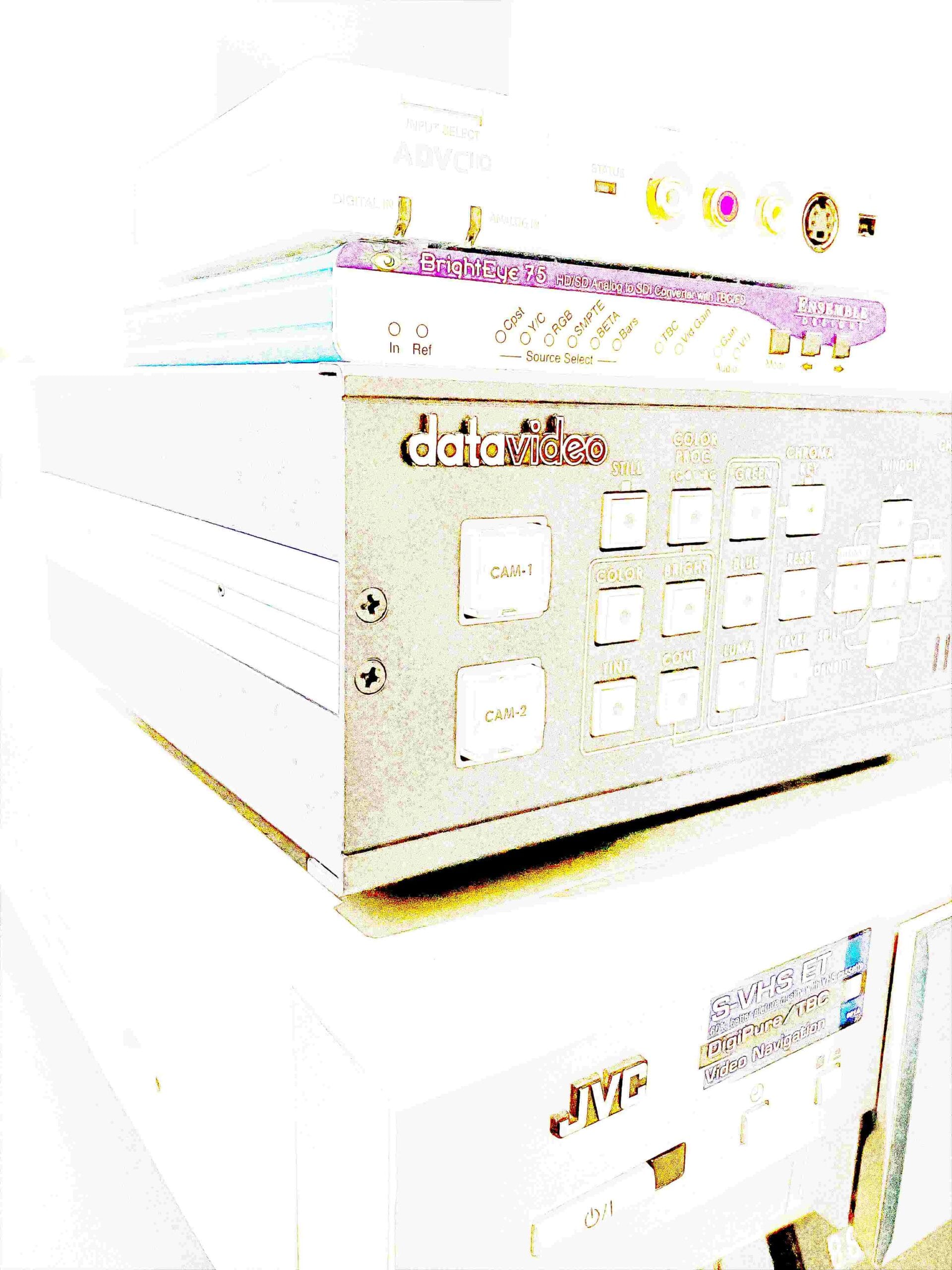
- A frame synchroniser sitting between the VCR and the capture card, which buffers each whole frame so the capture card receives a perfectly-timed stream regardless of what arrives from upstream.
The distinction matters enough that there's a separate article on the difference between a TBC and a frame sync device — read that if you want the detailed mechanism. The practical takeaway for most people is: the line TBC inside the VCR fixes the majority of analog playback errors, and the external frame sync catches what's left, particularly the timing problems that crash or confuse capture cards.
How to tell if your VCR has a line TBC
Most consumer VCRs do not have a line TBC — they were too expensive to include in entry-level decks. Look for the feature on prosumer and professional decks: Panasonic's AG-1980 and AG-DV2500, JVC's HR-S9600/9800/9911 and SR-V101/V102, Sony's SVO and PVW-class units. The manual or front-panel labelling will usually mention "TBC" explicitly. If a deck doesn't say TBC and was sold as a consumer model, assume it doesn't have one.
Buying a VCR with a built-in line TBC is generally a better use of your budget than buying a cheaper VCR and adding an external corrector — assuming you can still find one in working condition.
When you can skip a TBC
Cases where a TBC isn't strictly required:
- RF capture workflows — when you tap the raw radio-frequency signal directly off the VCR head and decode it in software (vhs-decode), the software is doing its own line-by-line correction. The role of the line TBC is built into the decode pipeline. A frame sync is still useful on the audio side, but the line-level role is handled in software.
- Material you don't care about — for a one-off check-it-plays-back capture of a tape you don't intend to keep, the easiest workflow may be a cheap USB capture stick and an acceptance of whatever quality comes out.
For everything else — anything you want to preserve as an archive master — the answer is to use a TBC at some point in the chain.
What's next
If you want the technical difference between the two devices, see What's the difference between a TBC and a Frame Sync device. For the buying-guide context — which decks have line TBCs, which external devices are worth considering — see Capturing Analog Video Tapes Part III — Buying Guide.